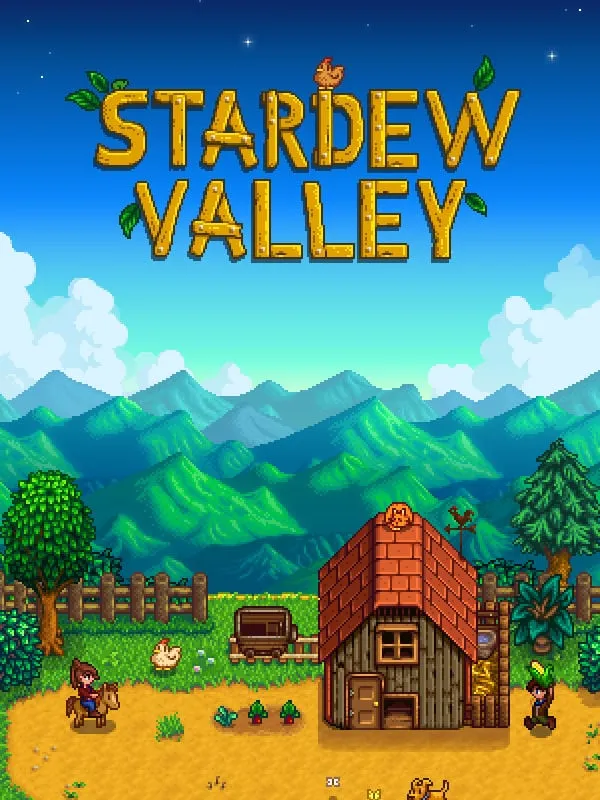
About Stardew Valley
Stardew Valley is a farming and life sim made almost entirely by one developer, Eric Barone, who works under the name ConcernedApe. It came out on PC in February 2016 and has since been released on most consoles and on phones. You inherit your late grandfather’s overgrown farm outside Pelican Town and start over with a few old tools and a little money.
From there, the days are yours to plan. You clear the fields and plant crops that change with the seasons, raise animals, fish in rivers and the ocean, and head down into the mines for ore and monsters. Between chores you get to know the townspeople, attend festivals, and choose whether to restore the town’s old community center or side with the Joja corporation.
How it runs in your browser
This version is an unofficial web port by cirsius, hosted on wasm.rip. It plays right here on this page through the player above, with nothing to install.
Saving is the main thing to know. The port isn’t listed as keeping your progress, so a farm you build up may be gone after you close the tab or clear your browser data. Stardew Valley is a game you play over many in-game seasons, so if you plan a long playthrough, the official release is the safer choice.
The original game added online co-op in 2018, but this browser port is single-player only.
Controls and devices
The port is meant for computers. It isn’t set up for phones or tablets, and controller support isn’t listed. Stardew Valley on PC is built around mouse and keyboard play, and key bindings for this port aren’t published here.
Who it’s for
The browser version works best as a way to try Stardew Valley before buying it, or to spend a short session on a computer where you can’t install games. If it hooks you, the full game is widely available on PC, consoles and phones, with proper saves and multiplayer. Its slow, low-pressure pace also makes it a good fit for players who want something calm rather than competitive.
Is Stardew Valley Free, Safe and Official?
Is this the official Stardew Valley?
No. It’s an unofficial fan web port by cirsius, and it isn’t made or endorsed by ConcernedApe. The official game is sold on PC, consoles and phones.
Does Stardew Valley save in the browser?
Save support isn’t listed for this port, so your farm may be lost when you close the tab. For a long playthrough, use the official release.
Can I play Stardew Valley multiplayer here?
No. The browser port is single-player only. Online co-op is available in the official game.