About Web Dashers
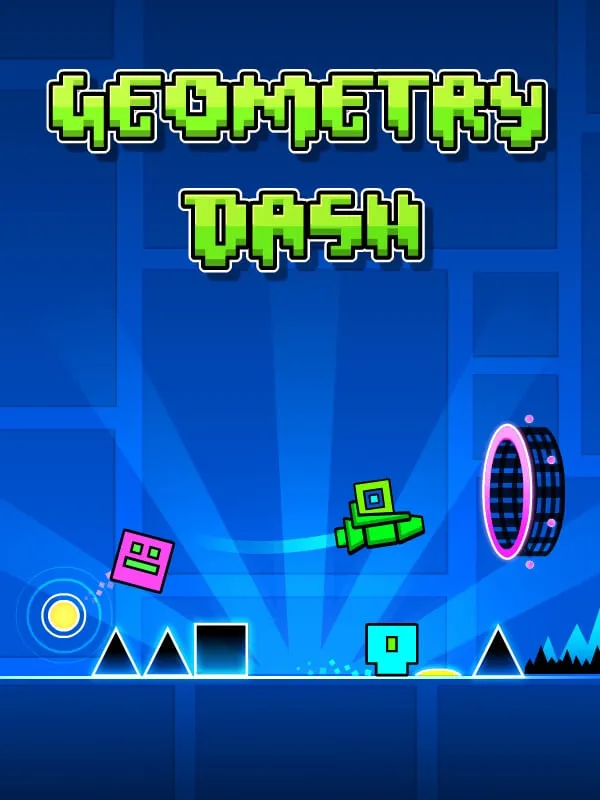
Web Dashers takes Geometry Dash, the 2013 rhythm game by Swedish developer Robert Topala and his company RobTop Games, and extends its official web demo. The team calls it “a modded Geometry Dash demo with extra features added.” It isn’t made or endorsed by RobTop Games.
In Geometry Dash you steer an icon through a level that scrolls on its own, getting past obstacles in time with the music. The full game launched on iOS and Android in August 2013, then on Windows Phone in 2014 and on PC that December. It has 26 developer-made levels, 22 of them auto-scrolling and four built as platformer levels, plus a level editor for building, sharing and playing levels made by other players.
The official demo stops after the first level. Web Dashers fills its main menu with every level up to the game’s 2.1 update and adds online levels, so you can play stages made by other players and create your own. There’s also an Icon Kit with icons and colors to choose from, though the 2.2 icons aren’t in it yet. Nearly every gamemode works, the Swing being the exception.
How it runs in your browser
The game is written in JavaScript on the Phaser engine, and its source is public on GitHub. Pressing Play opens web-dashers.github.io in a new tab. There’s nothing to install and no account to make.
The project is unfinished, and the team says so at the top of its README. Practice mode exists in an early form, the level editor is described as very run down, and slopes are close but still have physics problems with speed portals. Some objects lack their animations or show the wrong colors. Whether the Swing will ever be added is undecided. Bug reports go to the team’s Discord server or the GitHub Issues page, and the team asks people not to report bugs that are already known.
The settings menu adds options the official demo doesn’t have, including Noclip, a hitbox display and a level percentage counter.
Controls and devices
The project doesn’t publish a control list, so check the game’s menus when it loads. Keyboard, mouse and touch input are all listed, but we haven’t tried the game on a phone, and a desktop or laptop is the safer choice for precise timing.
Who it’s for
It suits players who have finished Stereo Madness in RobTop’s official Geometry Dash demo and want more of the main levels in a browser, and anyone curious about a fan project still being built in public. Geometría Conurbano is another fan remake, with a working practice mode and editor. For every official level and RobTop’s own updates, the full game is the place to go.
Is Web Dashers Free, Safe and Official?
Is Web Dashers the real Geometry Dash?
No. It’s a fan-modded build of the Geometry Dash web demo by the Web Dashers team, and it isn’t made or endorsed by RobTop Games. RobTop’s own free web demo has only the first level, and the full game is sold on Steam and the mobile stores.
Can I play all the Geometry Dash levels free in a browser?
Web Dashers has a main menu with the levels up to update 2.1, plus online levels made by players. It isn’t finished: the Swing gamemode is missing and some objects still behave or look wrong.
Does Web Dashers have a level editor?
There’s an early one, but the team says it’s still very rough and missing a large part of its features. Practice mode is also an early version that the team is still working on.