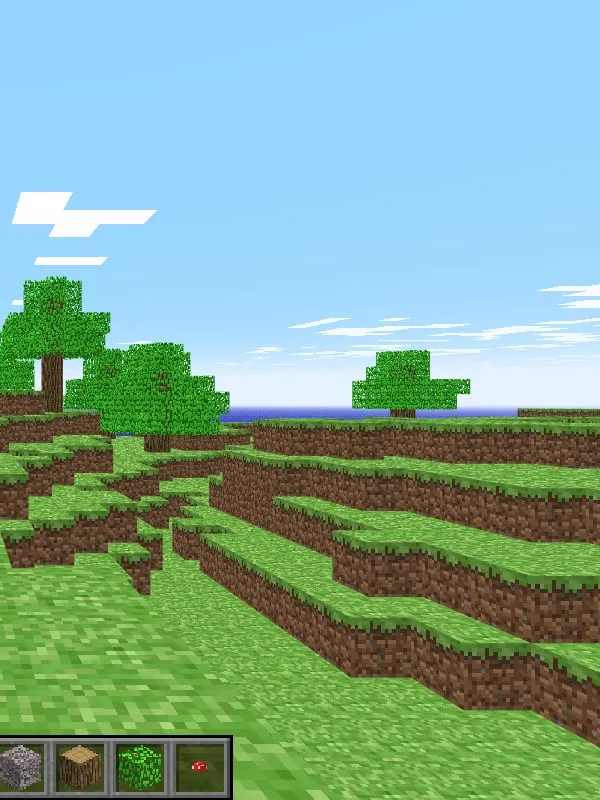
About Minecraft Classic
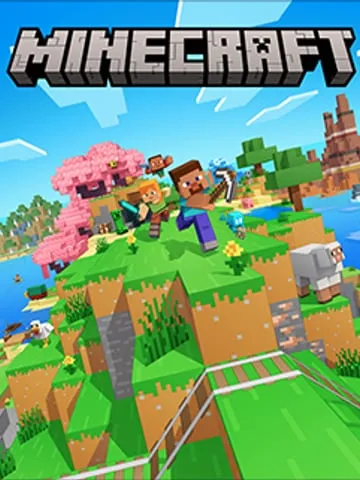
Minecraft began in 2009 as a small block-building game made by Markus “Notch” Persson, and the early version now known as Classic is where it all started. For the game’s tenth anniversary in 2019, Mojang released Minecraft Classic as a free browser game: a faithful recreation of that 2009 build, with its rough edges deliberately left in.
Classic is purely creative. There’s no crafting, no hunger, no health bar and no mobs, just a generated world and a short list of blocks to place and break. It’s a snapshot of Minecraft before survival mode, recipes and the Nether existed, and it’s a long way from the full modern game.
How it runs on the official site
Minecraft Classic is published by Mojang Studios itself, which makes it the official way to play Minecraft in a browser. Pressing Play opens classic.minecraft.net in a new tab. There’s no account to sign in with, no launcher and nothing to install; the game runs right in the page.
You can build alone, or bring other people in. When your world starts, the game gives you a link you can send to friends, and anyone who opens it joins your world and builds alongside you. Because it’s an official release on Mojang’s own site, it’s also one of the safest ways to try Minecraft without downloading anything.
Controls and devices
Classic uses the familiar Minecraft layout on a computer: move with the keyboard, look around with the mouse, and click to break or place blocks. A block menu lets you switch between materials. It’s designed for a keyboard and mouse, so phones and tablets aren’t listed as supported, and controllers aren’t either.
Who it’s for
Long-time players who want to see where the game started, parents looking for a free, account-free taste of Minecraft for their kids, and anyone who wants a quick building session in a browser tab. If you want something closer to the modern game in a browser, our Minecraft 1.8.8 page covers an unofficial build, and the Minecraft page lists every option.
Is Minecraft Classic Free, Safe and Official?
Is Minecraft Classic really free and official?
Yes. Mojang Studios publishes it for free at classic.minecraft.net, and you don’t need an account or a purchase to play.
Can I play Minecraft Classic with friends?
Yes. The game gives you a link to your world that you can send to friends so they can join and build with you.
Does Minecraft Classic work on a phone or Chromebook?
Phones and tablets aren’t listed as supported, since Classic is built around a keyboard and mouse. Chromebooks aren’t listed either, so a desktop or laptop is the safest choice.