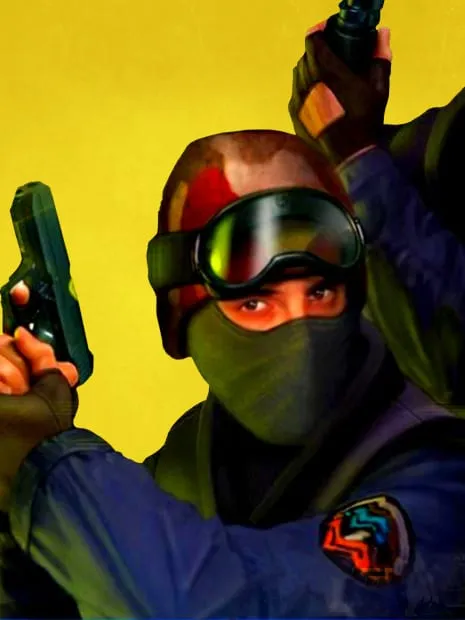
About Counter-Strike 1.6
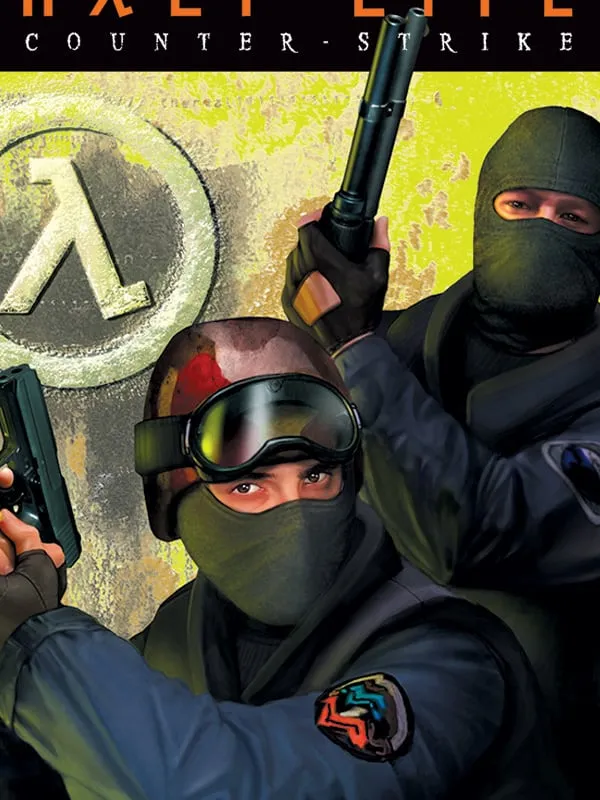
Counter-Strike began as a fan mod for Half-Life before Valve took it on as its own game, and version 1.6, released in 2003, is the build most players still picture when they think of the original. Two teams, terrorists and counter-terrorists, fight short rounds built around planting or defusing a bomb or rescuing hostages. Money earned in one round pays for weapons and armor in the next through the buy menu, so every win or loss carries forward.
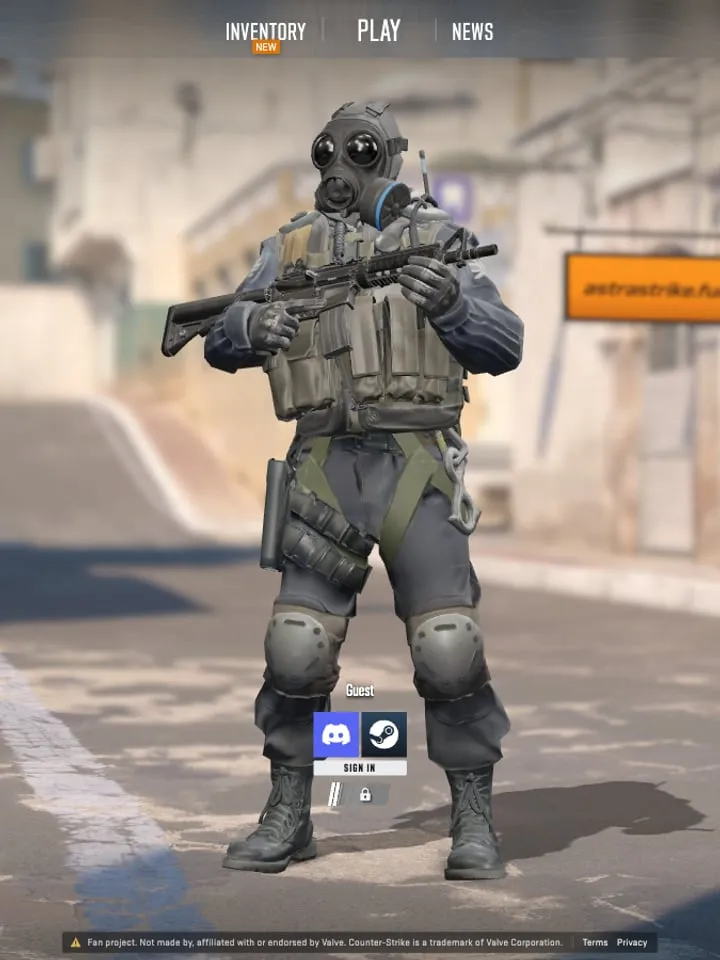
None of the browser versions on this page come from Valve. They’re fan-run sites, and they differ more than you might expect. For other ways to play the series, see our Counter-Strike hub.
How it runs in your browser
There are four hosts:
- Combat Skirmish opens on its own site in a new tab and connects you to live public servers.
- wasm.rip plays right here on our page. It runs Global Strike, a port by a developer known as crackers.
- Spawn opens in a new tab. It’s Counter-Strike 1.4, not 1.6, rebuilt in Spawn, with online play and a touch HUD for phones.
- CSJS plays right on this page and runs the real 1.6 on the Xash3D engine, with live servers and a touch mode on phones. It also has its own listing at /game/csjs-counter-strike-1-6/.
None of them require an install. Progress isn’t saved between visits, which matters little in a game where each match starts from zero anyway.
Controls and devices
On a computer, the keys follow the familiar layout:
- WASD: move
- Mouse: aim and shoot
- B: open the buy menu
- Esc: open the menu
Controller support isn’t listed for any host. On a phone, Spawn and CSJS are the hosts that mention touch controls; the others are better suited to a keyboard and mouse.
Tips
If you want real opponents, start with Combat Skirmish or CSJS, since both connect to live servers. If you’d rather stay on this page, pick CSJS or the wasm.rip version. Online shooters are sensitive to lag, so a stable connection makes a bigger difference here than in most browser games. For more games with online play, browse our multiplayer list.
How to Play Counter-Strike 1.6 (Combat Skirmish): Controls
| Action | Keyboard & mouse |
|---|---|
| Move | WASD |
| Aim and shoot | Mouse |
| Buy menu | B |
| Menu | Esc |
Is Counter-Strike 1.6 (Combat Skirmish) Free, Safe and Official?
Is Counter-Strike 1.6 free to play in the browser?
Yes. All four hosts are free to open and need no download. They are fan-run sites, not an official Valve release.
Can I play Counter-Strike 1.6 online against other people?
Yes. Combat Skirmish, Spawn and CSJS connect to live multiplayer servers. The wasm.rip version, which plays on this page, has no online play listed.
Does Counter-Strike 1.6 work on a phone?
Spawn and CSJS offer touch controls for phones. The other hosts are built around keyboard and mouse, so a computer works best for them.