About Ludo
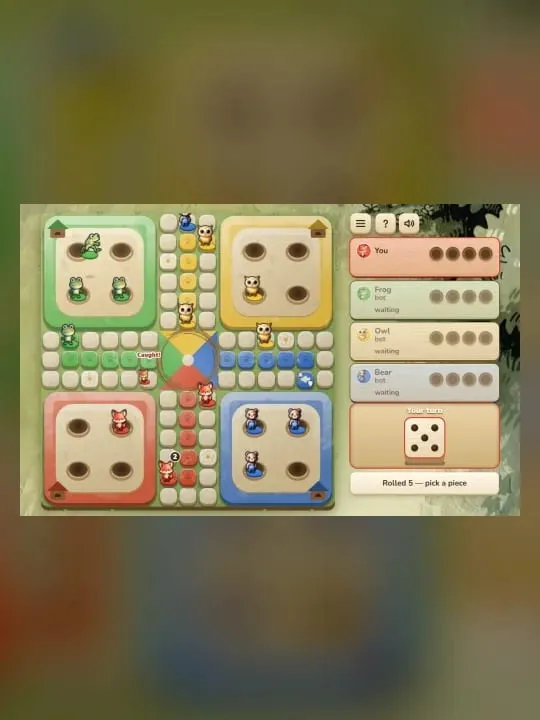
Ludo is the classic race board game for two to four players. Each player has four pieces waiting at home, and the aim is to bring them out, run them once round the board and get all four into the centre before anyone else. In ManyPlay’s version the pieces are animals, and each family starts in its burrow and finishes in the nest.
The rules fit on one page:
- Getting out. An animal leaves the burrow only on a six.
- Extra rolls. A six, a catch and bringing an animal into the nest each give you one more roll, but a third six in a row burns the turn.
- Catching. Finish a move on a rival’s cell and that animal goes back to its burrow, where it needs a new six to come out.
- Safe cells. Stars and start cells are safe, so nothing can be caught there.
- Finishing. Only an exact roll takes an animal into the nest. If the roll is too big, you move another animal or the turn passes.
Luck decides the die, but the choices are yours: which animal to bring out, when to go for a catch and where to wait safely.
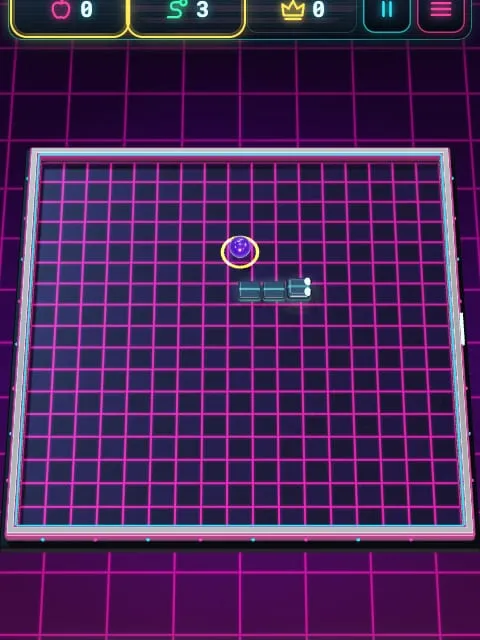
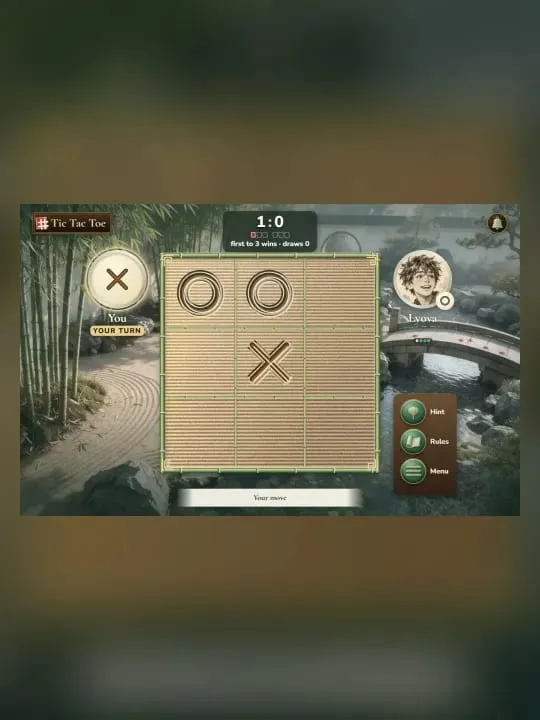
Ludo is made by ManyPlay, a catalogue of original browser games run by Manyplay Games Inc., which sent the game to us. ManyPlay also makes 3D Snake, Tic Tac Toe and Mahjong Connect. It says the animal pictures, background art, sounds and music were made with AI tools, while the board, the rules and the computer players are the game’s own code.
How it runs in your browser
Ludo is made for the browser, so there’s nothing to install. Play opens the game’s page on ManyPlay in a new tab, where Play now starts it in ManyPlay’s player. A separate two-player mode puts two families on the board for a match of about five minutes. Your match is saved in your browser, along with your statistics and settings, so you can come back to it later.
On 19 November 2026, in desktop Chrome, ManyPlay’s player stayed on its loading screen on our slow connection, so we opened the game’s separate player from the same page. It went straight into a four-family match, with our foxes against frog, owl and bear computer players, and a seven-step tutorial began with “Tap the die to roll”. We skipped the tutorial and rolled a 3. With no animal out of the burrow, the game said “No move this time” and passed the die to the owl.
Controls and devices
You click or tap the die to roll, then click or tap the animal you want to move. ManyPlay says it works on phones and computers, and the page lists touch, mouse and keyboard. We tested it on a desktop computer, not on a phone or Chromebook.
Tips
- Bring a second animal out early, so a bad roll doesn’t leave you with only one piece to move.
- Don’t stop one or two cells in front of a rival on an ordinary cell; that’s an easy catch.
- Use the stars and start cells as safe stops when a rival is close behind.
- Near the end, keep an animal or two in play so a too-big roll still has a move.
For more card and board games against the computer, try Durak Card Game, Go Euchre or Battle Chess. The multiplayer page lists more games to play with friends.
How to Play Ludo: Controls
| Action | Keyboard & mouse | Touch |
|---|---|---|
| Roll the die | Click the die | Tap the die |
| Move an animal | Click the animal | Tap the animal |
Is Ludo Free, Safe and Official?
Can I play Ludo online for free?
Yes. ManyPlay’s Ludo is free in your browser on a phone or computer, with nothing to download and no sign-up. ManyPlay says the game has no ads, and we didn’t see any when we played.
Can I play Ludo against the computer?
Yes. The computer can take any seat you don’t fill. In the two-player mode you choose a calm computer player, who keeps it friendly, or a bold one, who chases every catch.
Can I play Ludo with friends?
Yes, on one device. Switch a seat from the computer to a friend and pass the phone round or share the computer; the game shows whose turn it is. There’s no online play.
Do you need a six to start in Ludo?
Yes. An animal leaves its burrow only on a six, and a six also gives you another roll. Until you roll one, the game just passes the die on.