About Brotato
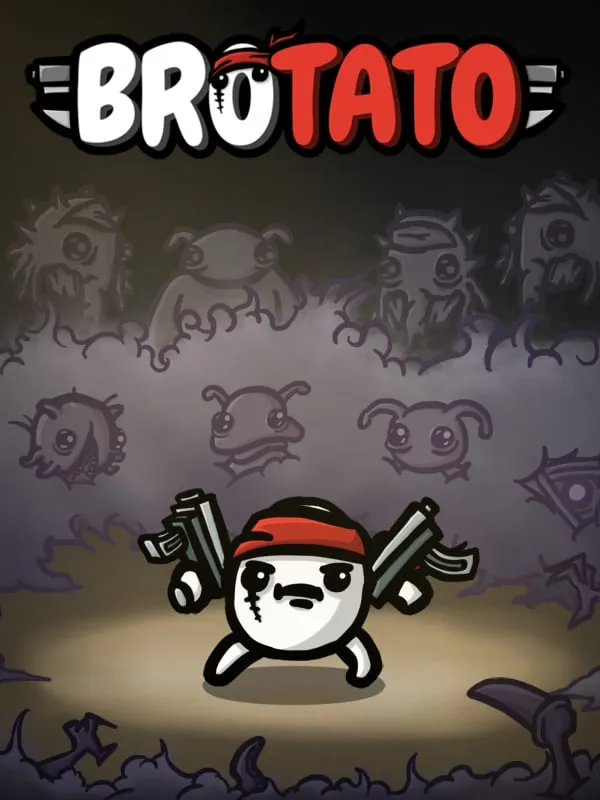
In Brotato, released by Blobfish for Windows in 2023, your hero is a potato stranded among hostile aliens. It can hold as many as six weapons, and the goal is to last through a series of waves in a top-down arena until you’re rescued. Each wave runs on a timer. Enemies drop materials, and between waves you spend them in a shop on new weapons and items, while leveling up lets you pick stat upgrades.
The characters keep it fresh. Each potato has its own strengths and drawbacks that push you toward a different kind of build, whether that means melee, ranged weapons or something stranger. Runs are short, so trying another character is never a big commitment.
How it runs in your browser
This fan port, credited to a porter called “dude,” opens on wasm.rip in a new tab rather than inside this page. wasm.rip hosts a number of fan-made browser ports of PC games. Nothing needs to be installed, and you don’t need to own Brotato.
Saving isn’t listed, so treat each visit as a fresh session. Short runs help here: you can usually finish one in a single sitting.
The port is meant for a desktop browser and doesn’t support phones.
Controls and devices
Brotato asks very little of your hands. In the original, you move with the keyboard while your weapons aim and fire on their own by default, so dodging is most of the job. Menus and the shop between waves are point-and-click. Controller support isn’t listed for this port, and the exact key layout isn’t listed here.
If keys don’t seem to register after the page loads, click once inside the game so the browser sends your input to it.
Tips
Read your character’s traits before buying anything; a build that works against them will struggle. Stick with one or two weapon types so your upgrades and stats work together instead of pulling in different directions. Spend on what keeps you alive in the early waves before chasing big damage numbers. And keep moving: standing still is how most runs end.
Is Brotato Free, Safe and Official?
Is this the official Brotato?
No. It’s an unofficial fan port hosted on wasm.rip, not made or endorsed by Blobfish. The official game is sold separately.
Does Brotato play on this page?
No. Pressing play opens the port on wasm.rip in a new tab. There’s nothing to download or install.
Can I play this Brotato port on a phone?
Phones aren’t supported. Use a desktop or laptop browser with a keyboard and mouse.