About Arcade Classics
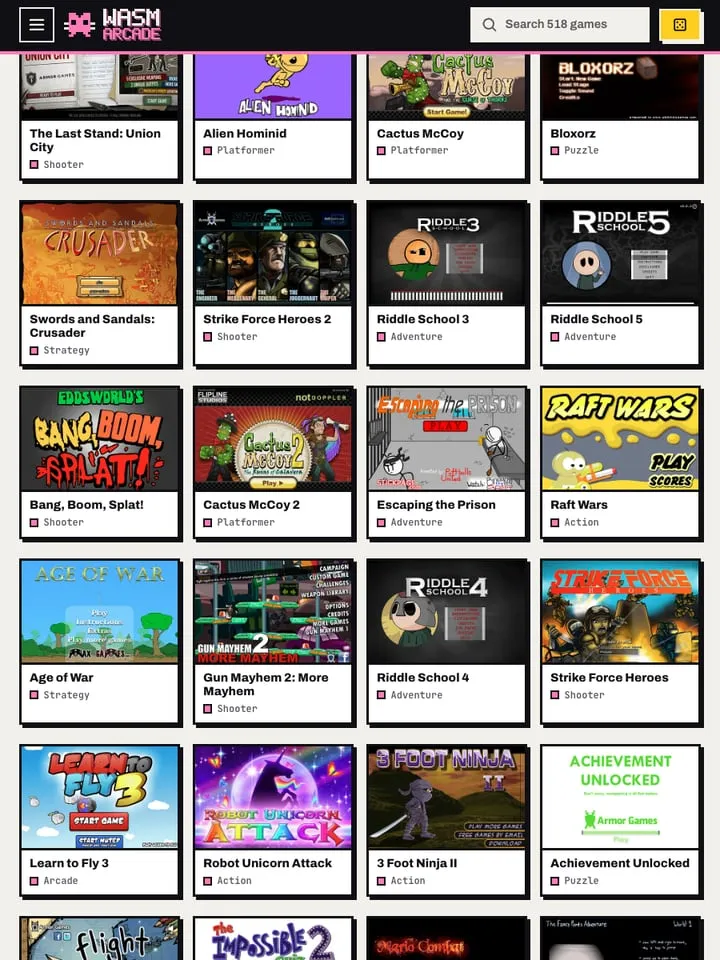
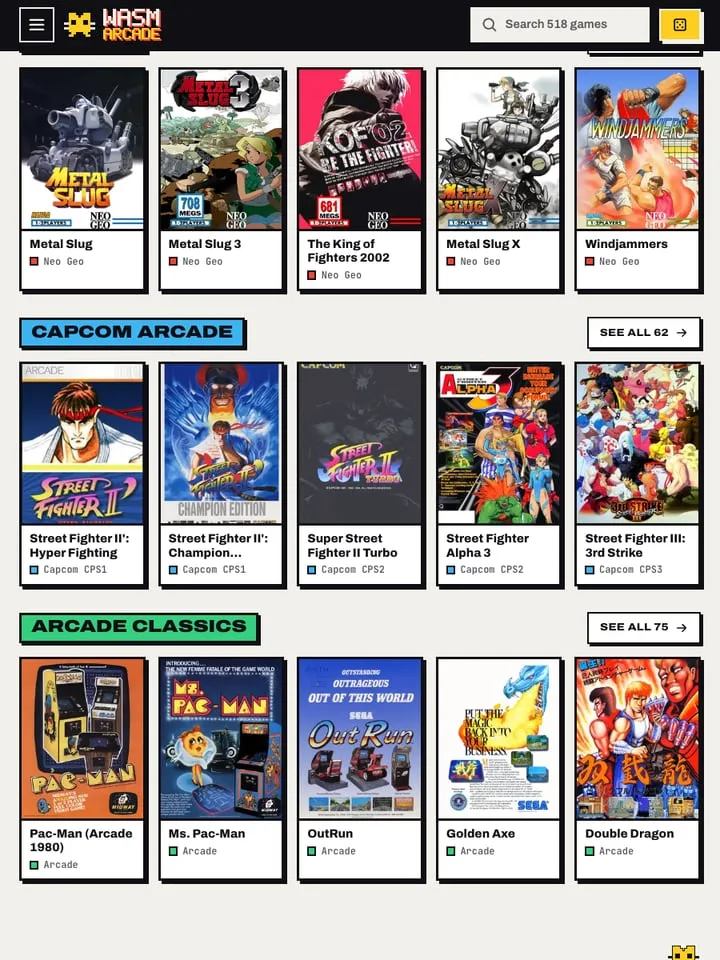
This entry points to the arcade library at WASM Arcade, a collection of 227 coin-op games you can play in a browser. Much of it comes from two of the best-loved arcade platforms of the late 1980s and 1990s: SNK’s Neo Geo, home of Metal Slug, and Capcom’s CP System boards, CPS1, CPS2 and CPS3, the hardware behind Street Fighter II and many of Capcom’s other arcade releases. It reaches beyond those too, with games such as Sega’s Golden Axe.
That makes it a broad sampler of arcade styles in one place: run-and-gun shooters, one-on-one fighters, side-scrolling brawlers and more. You pick a game from the list and it starts in the browser.
How it runs in your browser
The games run through emulation built on WebAssembly, which lets the original arcade software run in an ordinary browser tab without a separate emulator or any setup on your part. The collection opens on wasmarcade.com in a new tab rather than inside our page.
Save support isn’t listed, and there’s no online multiplayer. Arcade games were designed around short sessions and continues rather than save files, so that fits the format.
Controls and devices
You’ll need a computer with a keyboard. The site isn’t set up for phones or tablets, and controller support isn’t listed. Arcade games use a joystick, a set of action buttons, and coin and start buttons, all of which are mapped to keys; check the site for the exact layout before you start a game.
Tips
- Street Fighter II uses six attack buttons, three punches and three kicks, so learn where each one sits on your keyboard before a match.
- Neo Geo games use four buttons, labeled A to D, which makes them easier to pick up on a keyboard.
- Most games won’t start until you add a credit, so find the coin key first.
- In Golden Axe, magic is your best answer to a crowd of enemies, so save it for when you’re surrounded.
The collection suits anyone who grew up in arcades, or who wants a quick tour of classic coin-op games without hunting down an emulator and setting it up.
Is Arcade Classics (227-game collection) Free, Safe and Official?
Which games are in Arcade Classics?
The WASM Arcade library has 227 games, including Street Fighter II, Golden Axe and Metal Slug, with Neo Geo titles and games from all three Capcom CPS boards among them.
Do I need to download an emulator or game files?
No. The games and the emulation load in the browser from wasmarcade.com, so there’s nothing to install or supply yourself.
Does Arcade Classics work on a phone or with a controller?
The site isn’t set up for phones or tablets, and controller support isn’t listed. Play on a computer with a keyboard.