About Super Mario 64
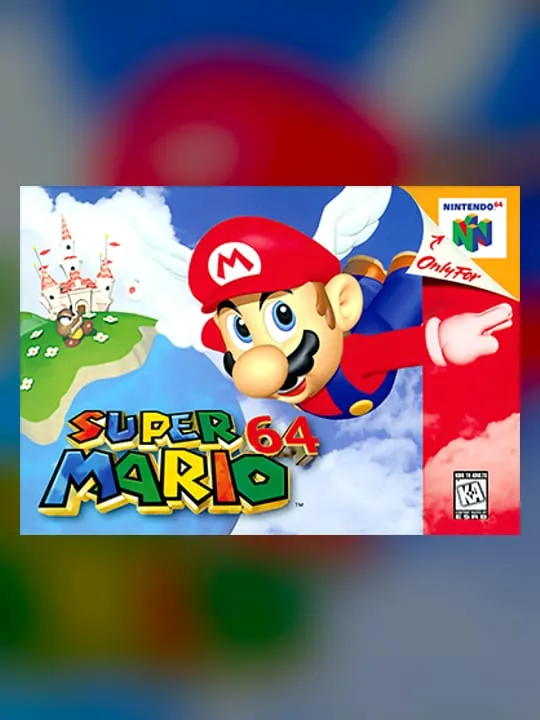
Super Mario 64 is the 3D platformer that launched the Nintendo 64 in Japan in June 1996, reaching North America later that year and Europe in 1997. Nintendo EAD made it under director Shigeru Miyamoto, with music by Koji Kondo. It was the first Mario game in 3D, and its free-roaming levels, analog control and movable camera set the template for 3D platform games that followed.
Bowser has taken over Princess Peach’s castle and hidden its Power Stars inside magical paintings. Mario explores the castle, jumps into each painting to reach a course, and collects stars by completing missions there: beating a boss, finding red coins, racing a rival or reaching a hidden spot. Stars open more doors in the castle and eventually lead to Bowser himself. There are 120 stars in all. It’s the best-selling Nintendo 64 game, with close to twelve million copies sold, and is still widely ranked among the most influential games ever made.
How it runs in your browser
This isn’t an emulator. Fans decompiled Super Mario 64, rebuilding readable source code that compiles back into the same game, and that work made native ports possible. The build we link was compiled to WebAssembly with Emscripten and draws with WebGL. It’s hosted on ArkShocer’s GitHub Pages, and pressing Play opens it in a new tab. The game data comes with the page, about 16 MB, so you don’t need a ROM or an account. gn-math offers the same build in its own player as a second host.
On 23 November 2026, in desktop Chrome, the page loaded in a little over a minute on a slow connection. A controls table covered the top half until we pressed Page Down, which left the title screen with Mario’s face and “Press Start”. Enter led to the file select with four empty files, Mario A to D. Choosing Mario A played Peach’s invitation letter and the opening flyover, and a few more presses of X put Mario on the grass in front of the castle with four lives and no stars. The arrow keys walked him across the castle grounds, past the trees by the sandy path.
Controls and devices
The keyboard stands in for the N64 controller. The arrow keys move Mario, X is the A button for jumping, C is the B button for punching and diving, Space is Z for crouching and ground pounds, and W, A, S and D swing the camera. Q changes the camera mode and Enter pauses. The page also supports a gamepad. We tested it on a desktop computer; the page has no touch controls, so a phone or tablet would need a controller.
Tips
- Combine moves: crouch with Space and then jump with X for a high backflip, or jump again as you land for a double and triple jump.
- Use the camera keys often. Many falls come from a bad angle, not a bad jump.
- Read the course name before you enter a painting: it hints at the star you’re after on that visit.
- Coins refill your health. Collecting 100 in one course also gives you a bonus star.
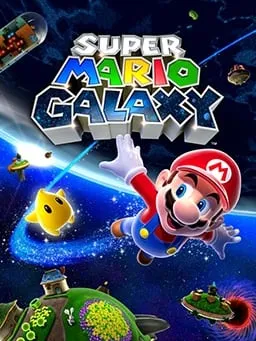
For more Mario in the browser, the Mario series page lists every version we have. The fan port of Super Mario Galaxy takes Mario to space, and Mario Kart 64 is another Nintendo 64 classic rebuilt from its decompiled code.
How to Play Super Mario 64: Controls
| Action | Keyboard & mouse |
|---|---|
| Move Mario | Arrow keys |
| Jump (A button) | X |
| Punch, kick and dive (B button) | C |
| Crouch and ground pound (Z button) | Space |
| Move the camera (C buttons) | W, A, S, D |
| Camera mode (L button) | Q |
| Pause (Start) | Enter |
Is Super Mario 64 Free, Safe and Official?
Can I play Super Mario 64 online for free?
A fan port runs Super Mario 64 free in a browser tab, with no account and no ROM to supply. It’s unofficial and isn’t made or endorsed by Nintendo; the official game is sold by Nintendo on its current consoles.
Is this an N64 emulator?
No. The build comes from a community decompilation of the game’s code, which was turned back into C source and compiled to WebAssembly, so the game runs natively in the browser without an emulated Nintendo 64.
Does Super Mario 64 save in the browser?
Yes. The page says your save files are kept in the browser’s local storage, so you can come back to them in the same browser. Clearing site data, or switching browser or device, starts you from scratch.
Can I use a controller?
Yes. The page supports a gamepad and lists the GameCube controller layout next to the keyboard keys. On a keyboard, the arrow keys move Mario and X jumps.