About Portal
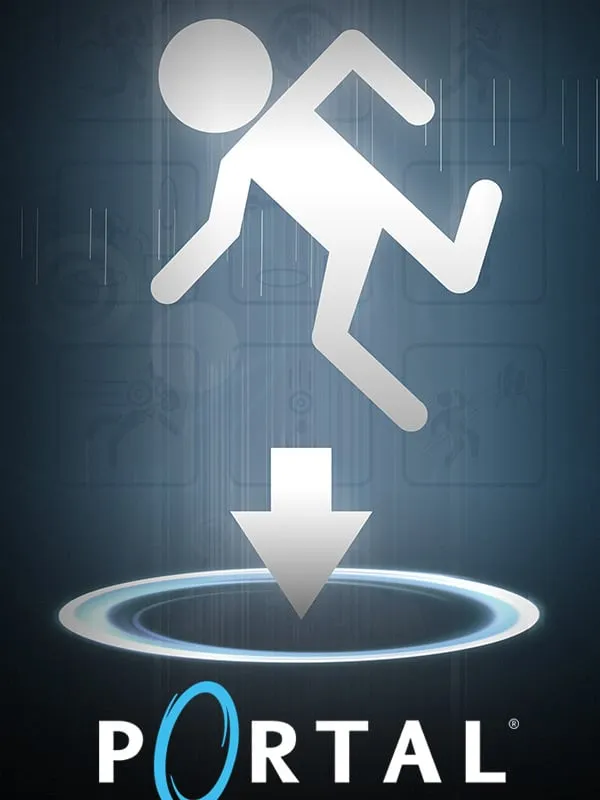
Valve shipped Portal in 2007 as part of The Orange Box, and the short puzzle game ended up as famous as anything else in the bundle. You play Chell, a test subject at Aperture Science, working through a series of test chambers while GLaDOS, the facility’s dry and increasingly sinister AI, comments on your progress. Your only tool is the portal gun, which places two linked openings on flat surfaces. Step into one and you come out of the other, keeping your momentum.
Every puzzle builds on that one idea: redirecting energy balls, flinging yourself across gaps, getting cubes onto switches. Portal is short, usually a few hours from start to finish, which makes it a good fit for playing in a browser tab.
How it runs in your browser
This unofficial port is hosted on yikes.pw, and pressing Play opens it in a new tab. The page downloads the game before it starts, so the first load takes a little while. Let it finish rather than refreshing the page partway through.
It’s built for desktop browsers. Saving isn’t listed as supported, so you may lose your place when you close the tab. The game is short enough that many players get through it in one or two sittings.
Controls and devices
You’ll need a keyboard and mouse. Portal uses standard first-person controls, and in the original PC game each mouse button fires one of the two portals. Phones and controllers aren’t listed as supported for this port.
Who it’s for
Portal is worth playing if you’ve never tried it, and it holds up well on a replay. The writing and GLaDOS’s running commentary are as much a part of the experience as the puzzles, so play with the sound on. If it hooks you, the official version and its sequel, Portal 2, are sold on Steam. For more of Valve’s PC catalog in a browser, see our Half-Life page.
Is Portal Free, Safe and Official?
Is this the official Portal?
No. It’s an unofficial web port and is not affiliated with Valve. The official game is sold on Steam.
Why does Portal take a while to start?
The page downloads the game before it can run. Wait for the download to finish instead of refreshing.
Do I need to install anything?
No. Everything runs in a desktop browser tab. You’ll need a keyboard and mouse, and phones aren’t listed as supported.