 Port
Port Half-Life (Xash3D web port)
Xash3D web ports (pixelsuft, WebXash)

Series hub
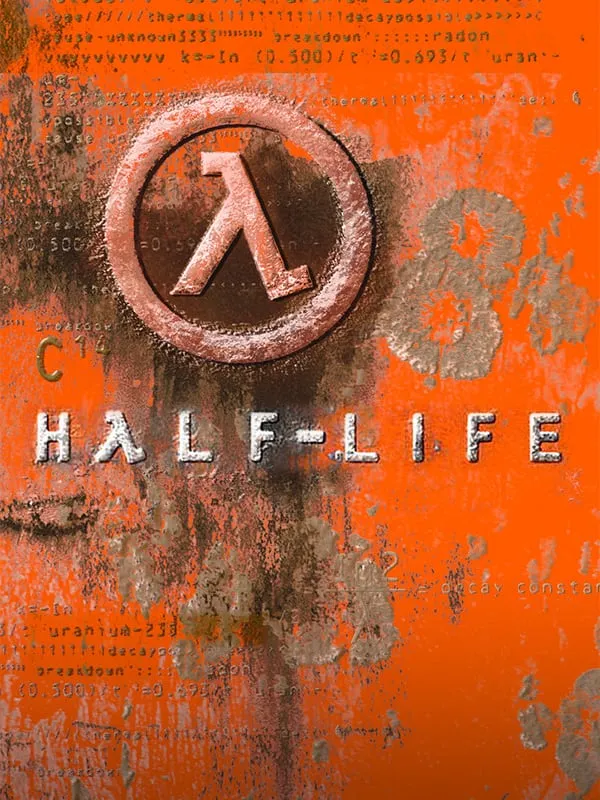
Valve’s 1998 shooter runs in a browser through Xash3D, an open-source GoldSrc-compatible engine compiled to WebAssembly. Two unofficial builds are listed, and both play on this page.
| Game | Type | Multiplayer | Download | Chromebook | Where it runs | Status |
|---|---|---|---|---|---|---|
| Half-Life (Xash3D web port) by Xash3D web ports (pixelsuft, WebXash) | Port | No | Not measured | Not tested | Plays here | Fan project |
Half-Life was Valve’s first game, released in 1998 and published by Sierra. You play Gordon Freeman, a scientist at the Black Mesa Research Facility, fighting your way out after an experiment goes wrong and opens a rift to an alien world. The story plays out in first person without cutscenes, which set a new standard for shooters.
Gearbox Software added two expansions, Opposing Force (1999) and Blue Shift (2001). Half-Life 2 arrived in 2004 on Valve’s Source engine, followed by Episode One (2006) and Episode Two (2007), and Half-Life: Alyx (2020) moved the series to VR. The original ran on GoldSrc, Valve’s heavily modified version of the Quake engine, which Counter-Strike 1.6 also uses.
One listing, Half-Life (Xash3D web port), covers two community builds, and both play right on our page:
Xash3D is an independent, open-source engine written to be compatible with GoldSrc. It isn’t Valve’s code, but Half-Life’s maps, models and sounds still belong to Valve, so these builds are unofficial and marked as fan projects. Whether each build includes the game data or asks you to load files from your own copy isn’t listed yet. If one asks, use the files from a copy of Half-Life you own.
Single-player is what’s listed. Online play isn’t, and neither are touch controls or gamepad support.
Counter-Strike started life as a Half-Life mod, and its browser versions are on our Counter-Strike page. For the engine family Half-Life grew out of, see Quake in your browser.
No. Xash3D is an independent open-source engine, and these builds are fan projects that Valve hasn’t made or endorsed. Both pages are free to open. The official Half-Life is sold on Steam.
That isn’t listed yet for either build. If a build asks you to load game data, use the files from a copy of Half-Life you own.
Both builds are set up for a keyboard and mouse, and phone and Chromebook support isn’t listed yet. A computer with a desktop browser is the safest choice.
Half-Life is a trademark of Valve Corporation. PlayGamesInBrowser is not affiliated with or endorsed by Valve Corporation; the games listed here are independent projects unless marked Official.