About Grand Theft Auto 2
Grand Theft Auto 2 is a 1999 action-adventure game developed by DMA Design and published by Rockstar Games, the sequel to 1997’s Grand Theft Auto. It came out for the PlayStation and Windows in October 1999, and for the Dreamcast and Game Boy Color in 2000.
The game is set in Anywhere City, a retrofuturistic city split into three districts, Downtown, Residential and Industrial, that you move between as the game progresses. You play a criminal who roams the open city taking jobs from rival gangs. Finishing a gang’s jobs earns its respect and opens tougher work, but it angers that gang’s rivals, whose members turn hostile. Each gang runs its own radio station, and garages can fit your car with special extras.
How it runs in your browser
Pressing Play opens M1sterMo’s site in a new tab. It isn’t a remake or an emulator: it runs the gta2_re project, the community’s decompilation of the original code, compiled to WebAssembly and drawn with WebGL 2. The site says it plays like the original, with extras such as widescreen, a calmer camera, smooth motion on high refresh rate screens and a map that fills in as you explore. The repository’s credits say the port was built with Claude, Anthropic’s AI model, in Claude Code.
You don’t need your own copy. On your first Play, the page downloads the freeware release Rockstar put out in 2004 from the Internet Archive, about 346 MB, unpacks it in the browser and keeps it for later visits. The project’s notes say that takes about half a minute on a fast connection, but the speed depends on the Archive: in our check on 3 November 2026, in desktop Chrome, it took about 56 minutes on our connection. After that, the game loaded to its main menu, with Play, Options and Quit. Saves stay in the browser, and you can export and import them.
For co-op, press Host or join, host a room and send the link. Up to six players can join free roam, Gang Wars or free-for-all. Every browser runs the full game, and only key presses travel between players. Menus and messages come in English, Spanish or French.
Controls and devices
On a keyboard, W and S drive forward and back, A and D turn, L shoots or punches, Enter gets in or out of a car and Space jumps or works the handbrake. J and K switch weapons, M opens the map, P shows your status, and in co-op T opens chat and Tab the scoreboard. Controllers work too, including DualSense, DualShock 4 and Xbox pads: press a button once so the browser sees it. You can change any key under Options, Controls.
The site asks for a desktop browser on Windows, macOS, Linux or ChromeOS, and the project’s notes say phones are untested.
Tips
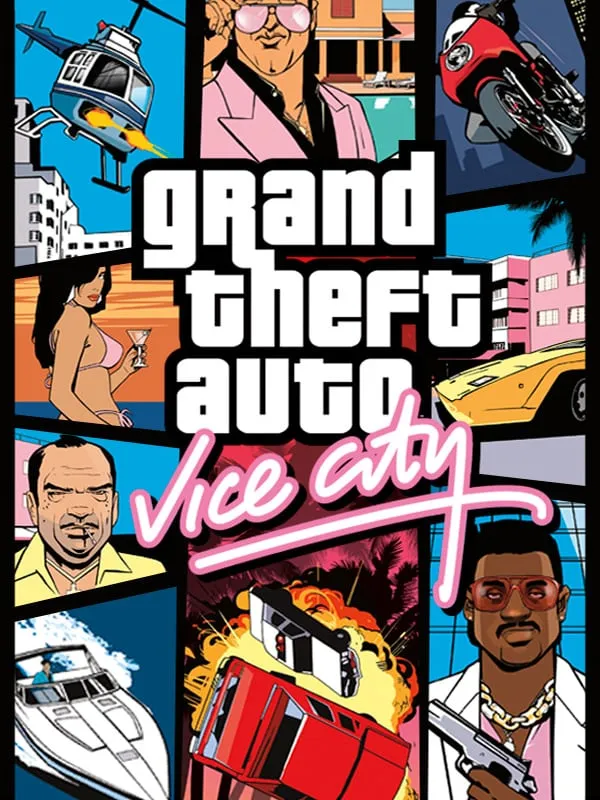
If the game runs slowly, the site suggests the lightest settings: Original 30 fps motion and the 4:3 screen shape. The site’s save shortcut works in single player and costs 20% of your cash, at least $10,000. For the series in 3D, try GTA III or GTA: Vice City.
How to Play Grand Theft Auto 2: Controls
| Action | Keyboard & mouse |
|---|---|
| Forward and back | W / S |
| Turn | A / D |
| Shoot or punch | L |
| Get in or out of a car | Enter |
| Jump or handbrake | Space |
| Previous and next weapon | J / K |
| Map and waypoints | M |
Is Grand Theft Auto 2 Free, Safe and Official?
Can I play GTA 2 online for free?
Yes. The fan port at m1stermo.github.io is free and needs no account. Host a room and send friends the link to play free roam, Gang Wars or free-for-all with up to six players. Browsers connect directly to each other, with no game server.
Do I need the original GTA 2 game files?
No. On your first Play, the site downloads the freeware release Rockstar put out in 2004 from the Internet Archive, about 346 MB, unpacks it and keeps it in your browser. How long that takes depends on the Internet Archive and your connection; on ours it was slow. If you already have GTA 2 installed, you can choose that folder instead.
Does GTA 2 work on a phone?
The site asks for a desktop browser, such as Chrome, Edge, Firefox, Safari or Brave, and its notes say phones are untested. It lists keyboard and controller controls but no touch controls.