 Port MP
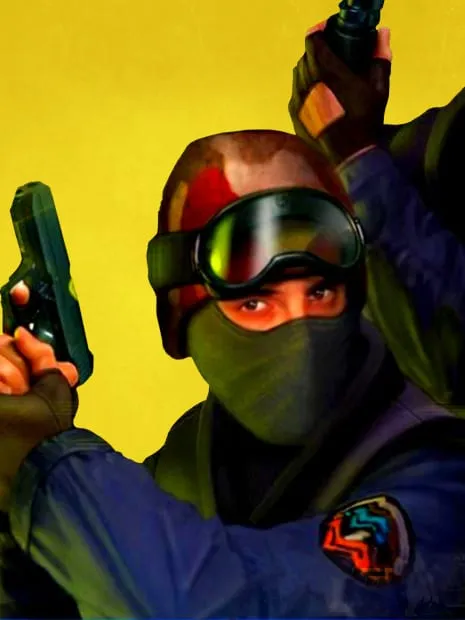
Counter-Strike 1.6 (CSJS)
CSJS

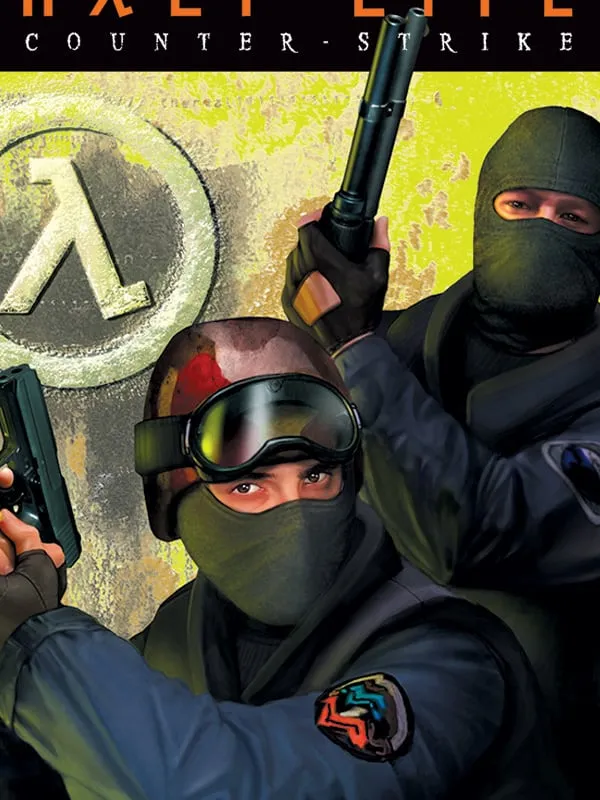
Counter-Strike
The 2003 classic is light enough to run in a browser tab. Most of these ports connect to live multiplayer servers, so you can jump into a match without Steam or an install.
| Game | Type | Multiplayer | Download | Chromebook | Where it runs | Status |
|---|---|---|---|---|---|---|
| Counter-Strike 1.6 (CSJS) by CSJS | Port | Online | Not measured | Not tested | Plays here | Fan project |
| Counter-Strike 1.6 (Combat Skirmish) by Combat Skirmish | Port | Online | Not measured | Not tested | On the developer’s site | Unofficial port |
Counter-Strike began in 1999 as a fan-made mod for Valve’s Half-Life, created by Minh Le and Jess Cliffe. Valve acquired it in 2000, and version 1.6, released in 2003, became the build most players still picture when they think of the original. Two teams, terrorists and counter-terrorists, fight short rounds built around planting or defusing a bomb or rescuing hostages, and the money you earn in one round pays for weapons and armor in the next.
By modern standards the game is light, which is why it works in a browser at all. Community developers have compiled compatible engines to WebAssembly and run real servers you can join from a tab.
Two listings cover CS 1.6. Both are unofficial fan projects with no connection to Valve, and neither asks you to supply game files.
On a phone, Spawn and CSJS are the hosts that mention touch controls. The others are built around a keyboard and mouse. Because these are fan-run sites, any of them could change or go offline without notice.
For CS2-style remakes and the rest of the series, see every way to play Counter-Strike in your browser. For other games with online play, browse our multiplayer list.
Yes. The browser ports listed here are free to play and don’t need Steam or a download.
Yes, on the hosts with online servers: CSJS, Combat Skirmish and Spawn. Open the same host as your friends and join the same server.
No. Every version here is an unofficial fan-run project, not made or endorsed by Valve, and any of them could go offline if Valve asks. The official Counter-Strike 1.6 is sold on Steam.
Counter-Strike 1.6 is a trademark of Valve Corporation. PlayGamesInBrowser is not affiliated with or endorsed by Valve Corporation; the games listed here are independent projects unless marked Official.