 Fan game MP
AstraStrike
AstraStrike team

Series hub
The official Counter-Strike 2 only runs through Steam, but you can play CS 1.6 ports with live servers and CS2-style fan remakes right in a browser tab. Here is how the options compare.
| Game | Type | Multiplayer | Download | Chromebook | Where it runs | Status |
|---|---|---|---|---|---|---|
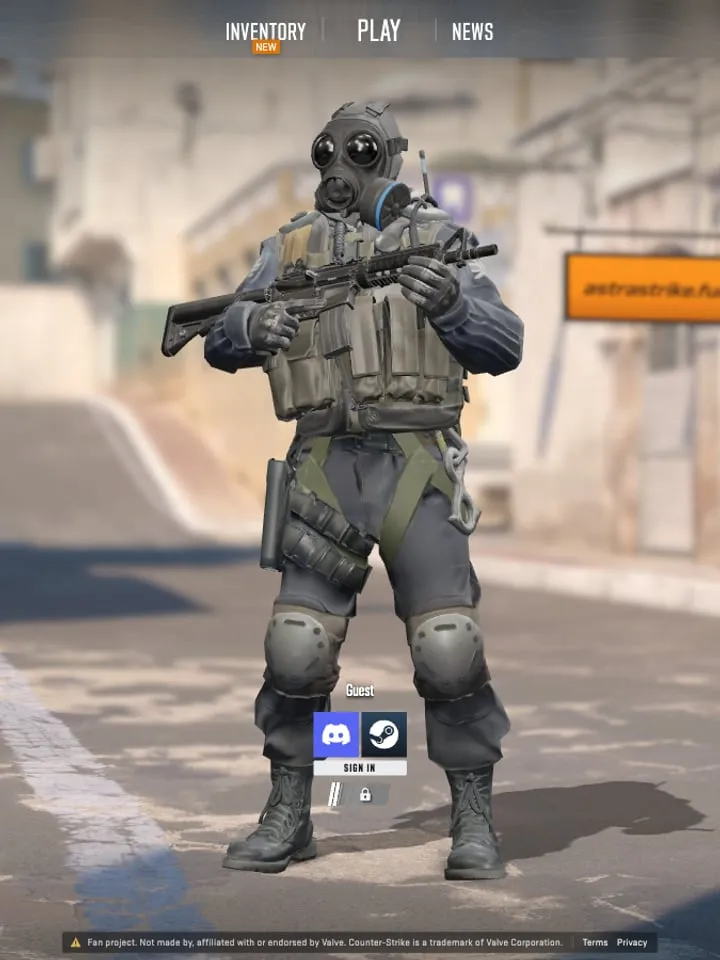
| AstraStrike by AstraStrike team | Fan game | Online | 38.8 MB | Not tested | On the developer’s site | Fan project |
| Counter-Strike 1.6 (CSJS) by CSJS | Port | Online | Not measured | Not tested | Plays here | Fan project |
| Counter-Strike 1.6 (Combat Skirmish) by Combat Skirmish | Port | Online | Not measured | Not tested | On the developer’s site | Unofficial port |
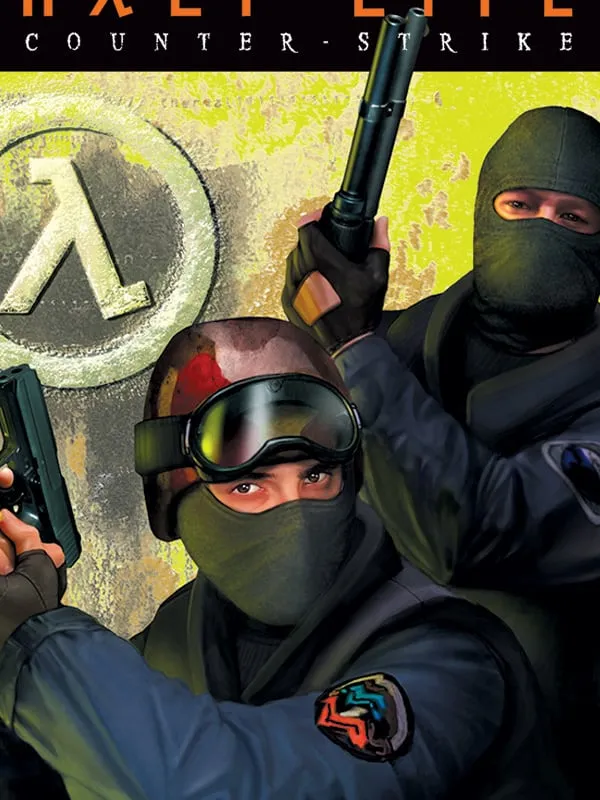
Counter-Strike started in 1999 as a fan-made mod for Valve’s Half-Life, became a Valve game in its own right, and went through four big versions: Counter-Strike 1.6 (2003), Counter-Strike: Source (2004), Counter-Strike: Global Offensive (2012) and Counter-Strike 2 (2023). None of them shipped as a browser game. What you can play in a browser today falls into three groups:
None of the games listed here are made or endorsed by Valve. The table at the top of this page shows each game’s type, whether it has online servers, the size of the first download and Chromebook support where we have those details, whether it plays on this page or opens on the developer’s own site, and its rights status. Big 3D remakes can take a minute or more to load the first time.
Not the official game. Counter-Strike 2 is a Steam download for Windows and Linux, and the only way to run the real thing in a browser is a cloud-gaming service that streams it from a remote PC. What you can play directly in a browser are CS2-style fan remakes such as AstraStrike, and ports of the classic Counter-Strike 1.6.
CS:GO was replaced by Counter-Strike 2 in 2023 and never had a browser version. The closest browser experiences are CS2-style remakes for modern gameplay and CS 1.6 ports for the classic one.
Every game on this page is free to play in a browser. Some offer optional sign-in for ranked modes or friends lists.
No. These games run in a normal browser tab. You only need Steam for the official Counter-Strike 2.
Counter-Strike is a trademark of Valve Corporation. PlayGamesInBrowser is not affiliated with or endorsed by Valve Corporation; the games listed here are independent projects unless marked Official.