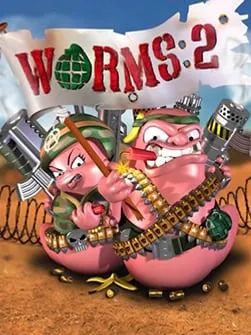
About Worms 2
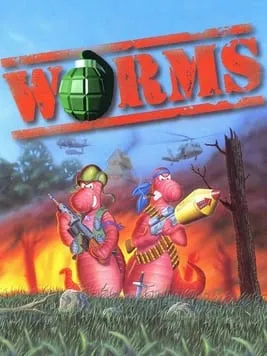
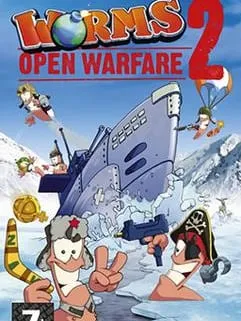
Worms 2 is an artillery strategy game developed and published by Team17 for Windows. It came out in Germany on 21 November 1997 and in the rest of Europe later that month, and MicroProse released it in North America in January 1998. Andy Davidson designed it and Bjørn Lynne wrote the music. It’s the sequel to the 1995 game Worms.
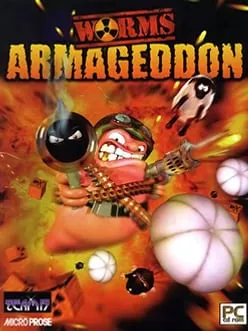
As before, you control a team of worms fighting other teams on a destructible landscape. Each turn one worm moves and fires one weapon, from rockets, grenades, guns, explosives and air strikes to some deliberately odd and bizarre ones. Wind and terrain change every shot. The goal is to wipe out the other worms and be the last team standing. The game has single-player and multiplayer modes, and Team17 followed it with Worms Armageddon in 1999.
How it runs in your browser
Play opens Worms 2’s page on dos.zone in a new tab. DOS.Zone runs the original Windows version inside js-dos, its open-source take on DOSBox for the browser, which starts an emulated Windows 95 PC with the game installed. The disk loads in pieces as it’s needed, so the first start takes a moment. You don’t install anything or bring your own files, there’s no account, and DOS.Zone shows no ads.
On 6 November 2026, in desktop Chrome, it booted to the Worms 2 main menu. The listing is the English version and has a rating of 4.8 from 50 player reviews. DOS.Zone doesn’t list a multiplayer room for it, but Worms has always let several teams take turns on one computer, so friends can still play side by side.
Controls and devices
Worms 2 uses the keyboard to move, aim and fire and the mouse for menus, the weapon panel and targeted weapons such as air strikes. Click inside the game window so the emulator captures the mouse; Esc releases it, and a slider on the left sets the mouse speed. DOS.Zone offers on-screen controls for phones, but a computer suits the game far better. We haven’t checked Chromebooks.
Tips
- Check the wind before every shot; it bends rockets and grenades a long way.
- Use the landscape. Digging in or standing behind a hill can save a worm with little health.
- Keep a strong weapon in reserve for the end of a match, when only a few worms are left.
The Worms series page lists every Worms game we have, including Worms Armageddon. For the artillery game that came before Worms, try Scorched Earth.
Is Worms 2 Free, Safe and Official?
Can I play Worms 2 online for free?
Yes. DOS.Zone runs the original Windows version free in a browser tab, with no download and no account. It doesn’t list a multiplayer room for Worms 2, so you play against the computer or share one computer with friends.
Is this the original Worms 2?
Yes. DOS.Zone runs the 1997 Windows release inside an emulated PC. It isn’t a remake, and it isn’t made or endorsed by Team17.
Can I play Worms 2 on my phone?
DOS.Zone offers virtual on-screen controls for phones, but Worms 2 was built for a keyboard and mouse, so a computer is the better fit.