About SimTower
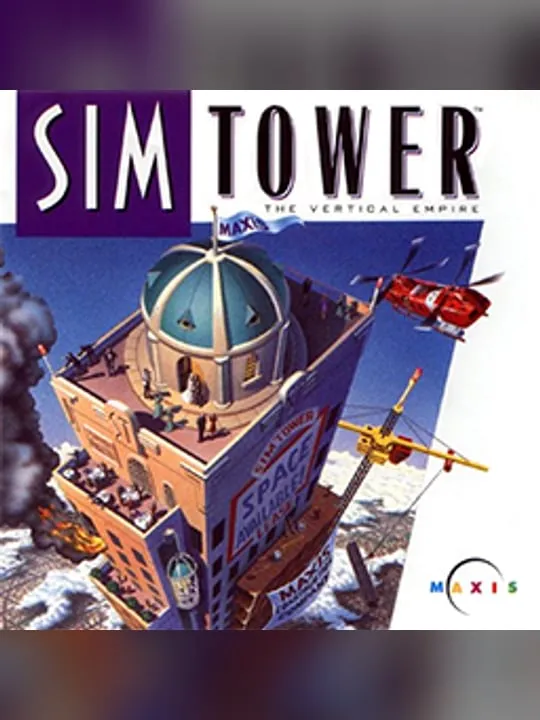
SimTower: The Vertical Empire is a construction and management simulation in which you design and run a skyscraper. OPeNBooK developed it under director Yoot Saito and released it in 1994 for Microsoft Windows and Macintosh System 7. In Japan, OPeNBooK published the game itself. Outside Japan, Maxis took over publishing and branded it as part of its Sim series. The North American release came in November 1994, and the game reached Europe that same year.
The game later moved to consoles in Japan, with a Sega Saturn port on March 1, 1996 and a 3DO port on March 29, 1996. A sequel, The Tower II, came out in 1998 and was sold outside Japan as Yoot Tower. SimTower itself is a single-player game. DOS.Zone’s short description sums up what you do: plan and manage the building, balancing construction, amenities and the needs of your tenants.
How it runs in your browser
The Play button opens SimTower’s page on dos.zone in a new tab. DOS.Zone files the game with its Windows 3.1 titles and runs the original Windows version inside js-dos, an open-source DOSBox build for the browser that emulates a full PC. The files are served by DOS.Zone, so you don’t install anything or provide the game yourself, and there’s no account to make. DOS.Zone carries no advertising.
The listing, titled Simtower, shows a five-star average from 31 player reviews and sorts the game under management, economic and strategy. It doesn’t mention whether a tower you build is saved for your next visit, so check the host’s page if you plan a long session. This listing is the Windows release, not the Saturn or 3DO port.
Controls and devices
SimTower uses a keyboard and mouse. DOS.Zone doesn’t list controls for it, so learn them from the game’s own menus. Click inside the emulator window once the game has loaded so your clicks register.
On phones, DOS.Zone shows virtual on-screen controls, but this game was built for a mouse and keyboard, and a computer is the better fit. Chromebooks are untested.
Who it’s for
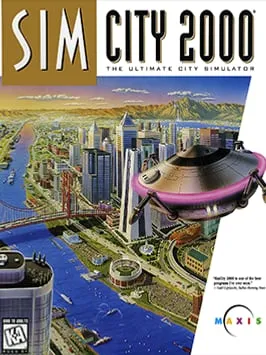
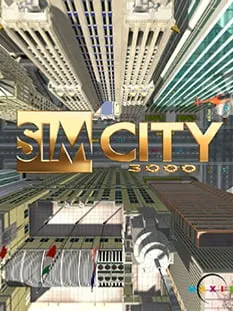
SimTower is a good pick for people who played it in the mid-1990s and want to build another tower without hunting for old Windows software, and for simulation fans who would rather grow one building upward than spread a city outward. If you’d rather plan a whole city, SimCity 2000 and SimCity 3000 both run on DOS.Zone too. For a different kind of building where the people you serve are visitors rather than tenants, RollerCoaster Tycoon puts you in charge of an amusement park and also runs in a browser tab.
Is SimTower Free, Safe and Official?
Can I play SimTower online for free?
Yes. DOS.Zone runs the original Windows version free in a browser tab, with no account and nothing to install. It’s a single-player game, so there’s no online mode.
Who made SimTower?
OPeNBooK developed it, with Yoot Saito as director, and published it in Japan. Maxis published it in North America and Europe and branded it as part of its Sim series.
Does SimTower work on a phone?
DOS.Zone offers virtual on-screen controls for phones, but SimTower was built for a keyboard and mouse, and a computer is the better fit.