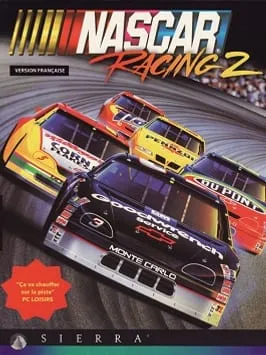
About NASCAR Racing 2
NASCAR Racing 2 is a stock car racing simulator developed by Papyrus Design Group and published by Sierra On-Line for MS-DOS and Windows in late 1996. It followed 1994’s NASCAR Racing with a new game engine that improved the graphics, physics, sound and multiplayer, and it was the first NASCAR game with 3D acceleration: 3Dfx cards under DOS and Rendition cards under Windows. An expansion, NASCAR Grand National Series, came out in late 1997.
The game carried the official NASCAR license, and DOS.Zone’s bundle holds its tracks, from short ovals like Bristol and Martinsville to Talladega and the road courses at Sears Point and Watkins Glen. Papyrus’s readme covers extras such as the spotter’s speech, towing rules, fuel limits and quick qualifying.
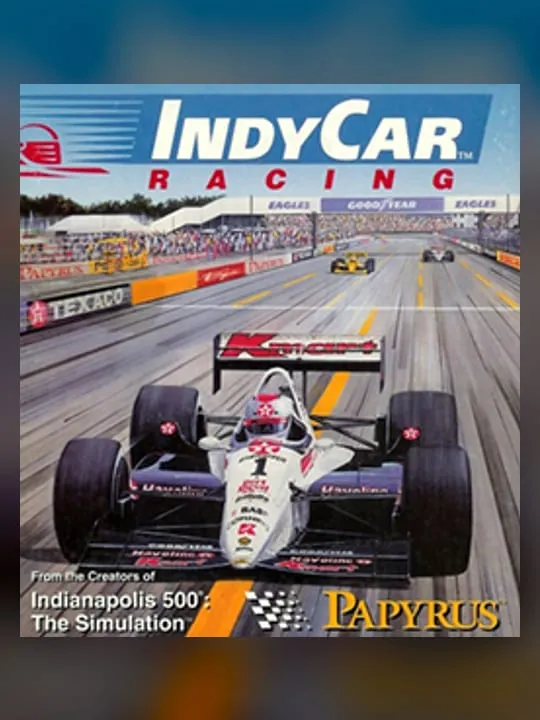
Critics loved it. Computer Gaming World gave it 100% and its readers voted it the year’s best sports game, GameSpot gave it 9.2 out of 10, and it won Computer Games Strategy Plus’s 1996 Racing Simulation of the Year, ahead of Grand Prix II. PC Gamer UK named it the 42nd best computer game ever in 1997. It was a commercial hit too: by 2004 it had sold about 800,000 copies, making it Papyrus’s second-biggest game at the time. From 1997 to 1999 it was also the base of the NASCAR Racing Online Series, a paid online service with races of up to 22 drivers.
How it runs in your browser
When you press Play, the game’s page on dos.zone opens in a new tab. DOS.Zone runs the MS-DOS version inside js-dos, its open-source take on DOSBox for the browser, which emulates a PC of the time. The game is a download of about 18 MB, and the bundle holds Sierra’s readme from November 1996 and all the game’s tracks. You don’t install anything or bring your own files, there’s no account, and DOS.Zone shows no ads.
On 13 November 2026, in desktop Chrome, it booted straight to the game’s main menu, with Quick Race, Championship, Multiplayer, Driver Info, Options and Exit. The listing has a rating of 5 from 31 player reviews. DOS.Zone’s toolbar has a save button for the emulator state, but it doesn’t say how long saves are kept.
Controls and devices
You drive with the controls you set in the game’s Options menu; the original supported joysticks and steering wheels as well as the keyboard. Click inside the game window once it loads so the emulator receives your input, and use the mouse for the menus. DOS.Zone offers on-screen controls for phones, but a racing simulator needs steady, precise input, so use a computer. We haven’t checked Chromebooks.
Tips
- Start with Quick Race on a short track to learn the car before you try a championship.
- Brake earlier than you think on the short ovals; the tyres and the car’s weight punish late braking.
- Keep the spotter’s speech on while you learn; you can turn it off later if you prefer.
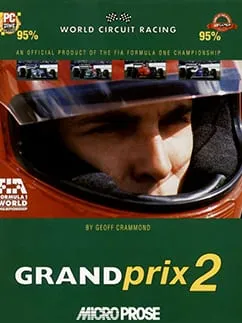
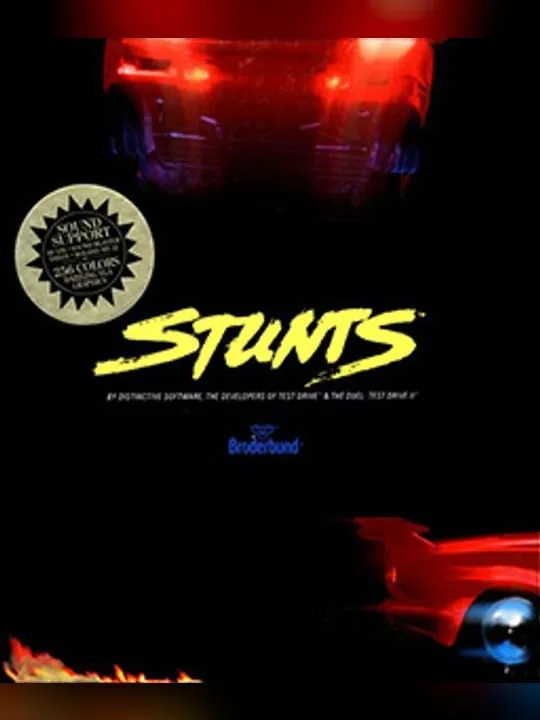
For Formula One instead of stock cars, Grand Prix II is on DOS.Zone too, and so is The Need for Speed for faster road cars. Stunts is an older DOS racer with a track editor.
Is NASCAR Racing 2 Free, Safe and Official?
Can I play NASCAR Racing 2 online for free?
Yes. DOS.Zone runs the original MS-DOS game free in a browser tab, with no download and no account. It isn’t made or endorsed by the game’s rights holders or by NASCAR.
Can I race other people in NASCAR Racing 2 in the browser?
The menu still has a Multiplayer option, but it was built for the modem and network play of the 1990s, and DOS.Zone doesn’t list a multiplayer room for the game. Plan on racing the computer.
Can I use a steering wheel or gamepad?
The original game supported joysticks and wheels, and you set your controls in its Options menu. We only tested the keyboard and mouse, so a wheel or gamepad may or may not work in your browser.